
x
A shared play space can quickly become the heartbeat of a home, where noisy after‑school matches blend with quiet weekend movie nights. Thoughtful choices in tech, seating, and layout help everyone feel included. With smart planning, screens stop isolating people and start bringing them together.
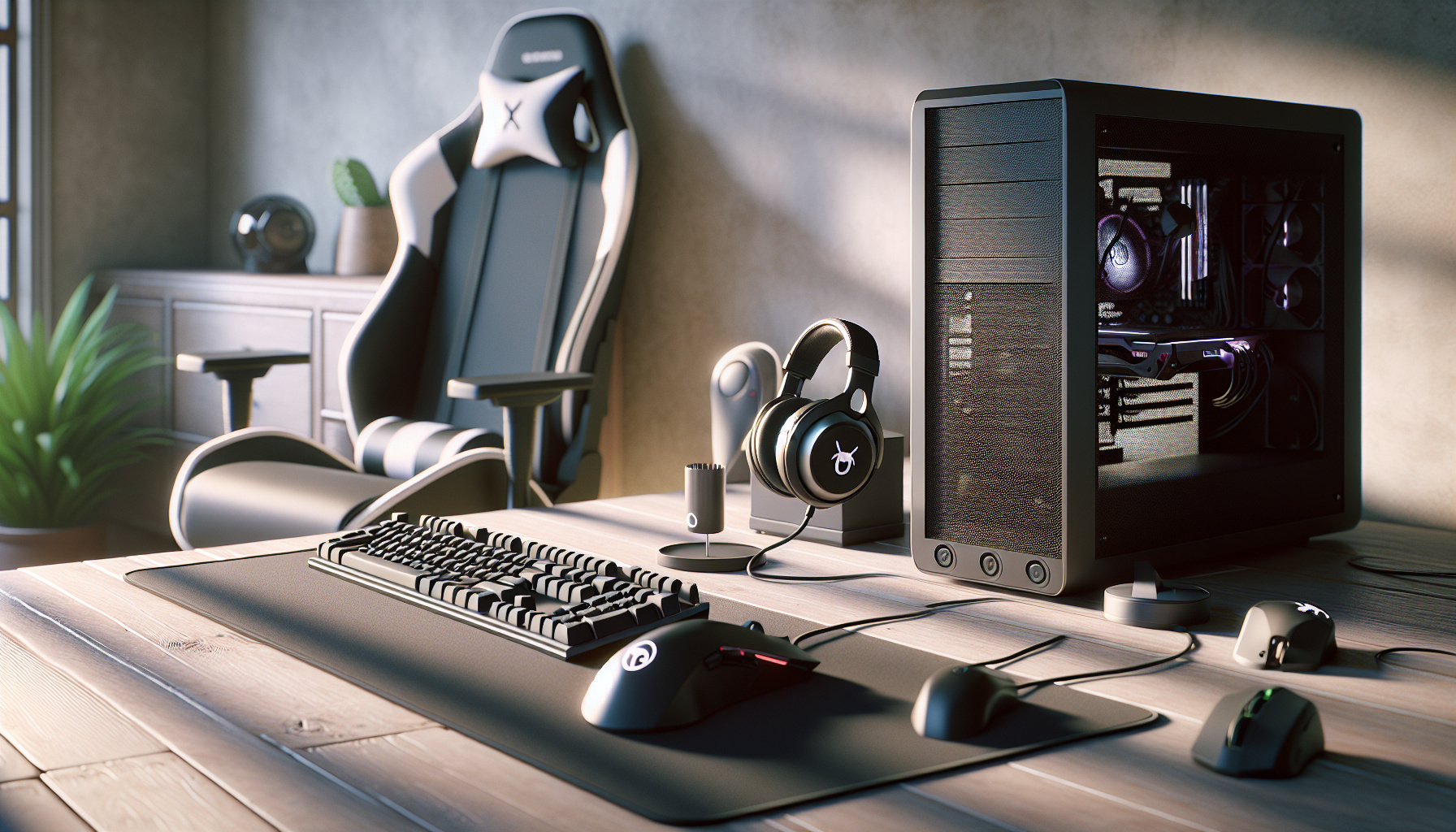
A room that keeps both teens and younger kids happy usually needs two moods in one space. One corner works like a focused desk setup for games, chatting with friends, and homework. The other side stays relaxed and open, centred on a sofa and TV where anyone can grab a controller and join in.
Anchoring the space with a comfy sofa and a big screen makes it clear where shared play and movie nights happen. Tucking a desk along a side or back wall keeps the more intense action slightly out of the way. Simple visual cues help the zones feel distinct without building walls: a rug under the sofa, a different style lamp by the desk, or a strip of soft lighting framing the “battle station.”
Storage quietly prevents turf wars. A low cabinet or cube shelf between desk and TV can hold controllers, headsets, chargers, and card or board games, while also acting like a gentle divider. Labelled bins for “family games,” “cables,” and “spare controllers” reduce nagging and make it easier for kids to put things back.
Comfort and safety deserve as much attention as raw power. A stable desk, a decent chair, and clear cable routes prevent wobbly screens, sore backs, and tripping hazards. No matter how impressive the hardware looks, a cluttered, uncomfortable room will see less use.
Shared expectations keep the room welcoming. Headsets at the desk keep voice chat from overwhelming the living area, and a simple “gear home” rule at the end of each session keeps controllers off the floor and ready for the next round.
Before comparing refresh rates and processor names, it helps to picture a normal week at home. Who plays the most, what they enjoy, and where the main screen lives will shape choices better than any checklist.
If younger kids like simple platformers, co‑op adventures, or party titles that work best with several people watching, a console hooked to the main TV often fits naturally. It is easy to turn on, works with one cable to the screen, and usually offers tools for time limits and content filters.
If a teenager cares about competitive shooters, creative building games, or a wide library of downloadable titles, a computer can offer more flexibility, higher frame rates, and frequent game discounts. It can also double as a school machine or music hub when gaming is over.
Space and noise shape what is realistic. A large, fan‑heavy tower under a shared bedroom desk might hum late into the night. A compact, quieter machine near the main TV might keep family peace, even if it means backing off the most extreme performance targets.
Any device choice works better when it is planned as a pair: hardware plus screen. Paying extra for powerful graphics and then feeding them into a small, basic office monitor wastes potential. For fast action titles, a monitor or TV that can show smoother motion makes a visible difference. For slow, social games, a larger screen that everyone can see from the sofa usually matters more than tiny sharp details.
Budget stretches differently depending on the path. A console delivers fixed performance for years, with little worry about incompatible parts, but limited room to grow. A computer can start modest and slowly gain strength with part swaps. Either way, it is easy to forget the extras: a reliable cable to the screen, a comfortable input device, and enough ports for accessories.
Viewing distance and posture are part of the “performance” equation. Placing the screen at a height that keeps necks neutral, using chairs that let feet rest flat, and making sure several people can see without twisting all help sessions last longer without aches.
A small change like rotating the desk slightly, or choosing a monitor arm to lift the screen, can make as much difference to enjoyment as a spec bump on paper.
Typing a phrase like “best gaming computer for teenagers” into a search bar feels efficient, but the results often highlight marketing more than reality. Loud product names, glowing cases, limited‑time bundles, and “pro” labels push attention toward top‑tier machines that may not change day‑to‑day fun very much.
A calmer approach starts with hard limits: how much room you have, how loud the system can be, how many people share the hardware, and how long you hope it will last before upgrades. For a shared room, quiet parts, a sensible-sized display, and good seating often matter more than the fastest possible graphics.
Accessories deserve a bigger slice of the budget than they usually get. A comfortable keyboard, a responsive mouse, and a decent headset with clear sound do more for real enjoyment than squeezing a few extra frames out of a benchmark.
Watch out for upsells on vivid lighting, extremely high refresh rate displays that no one can tell apart, and oversized cases justified “for future upgrades” that never arrive. Money spent on a chair with real back support, a sturdy desk, a stand or arm that puts the screen at eye level, and simple cable channels often pays off every day.
Families often juggle several goals at once: keeping spending reasonable, making play comfortable, and avoiding safety headaches. Thinking in trade‑offs, rather than chasing a single “best” label, can help.
| Priority | What to Focus On | What to De‑Emphasize |
|---|---|---|
| Comfort first | Supportive chair, correct screen height, clear walking paths | Extra lights, bulky decorative cases |
| Budget first | Mid‑range machine, reusable peripherals, gradual upgrades | Top‑tier parts that outpace the screen |
| Noise control | Quiet fans, solid headset, fewer exposed cables | Overclocking, windowed cases that leak sound |
| Shared use | Multiple controllers, easy profiles, accessible storage | Single‑user desk throne that dominates the room |
Over time, a mid‑range system that stays cool, quiet, and easy to use often beats any headline‑grabbing “ultimate rig.” Clear screen‑time rules and break habits protect eyes and backs more than any technical spec sheet.
Instead of aiming for an expensive, showpiece setup on day one, it can be smarter to start with one solid “family machine” that balances school work, browsing, and the most popular titles. A capable processor, a dedicated graphics card that can handle modern games at modest settings, enough memory to avoid stutters, and a fast storage drive already cover a lot of ground.
Pairing that machine with a monitor that shows crisp detail at common resolutions and offers smoother motion than basic office displays makes play feel responsive without demanding extreme hardware. A straightforward mechanical keyboard and simple wireless mouse work well, and nicer gear can join the mix later once people know what they prefer.
Audio stays simpler if you pick a light headset or small desktop speakers that do not fill the room with cables. Choosing a power supply with some breathing room, a case with good airflow, and a board that leaves space for more memory or faster processors lets the system adjust as kids grow and tastes shift.
Thinking in stages helps avoid the feeling that everything must be perfect immediately. One stage might focus on getting a stable baseline machine that runs popular titles smoothly. A later stage might add more memory and a stronger graphics card. Much later, you might replace the processor or add a second storage drive as game libraries grow.
As the hardware slowly improves, the room layout can evolve too. A second screen might appear for homework or streaming, a better microphone might move between machines, and higher‑quality keyboards or controllers can shift to whichever desk is in heaviest use.
A little planning around shared resources keeps this growth from turning into chaos. A clearly marked charging zone, labelled bins for spare controllers, and simple cable routes behind furniture all help the room stay flexible without feeling messy.
| Tier | Main Use at Home | Focus When Buying | Later Upgrade Ideas |
|---|---|---|---|
| Starter | Casual co‑op, school projects, streaming videos | Reliable mid‑range parts, simple monitor, basic peripherals | Extra memory, second storage drive |
| Growth | Faster action titles, light content creation | Stronger processor and graphics, smoother display | New graphics card, improved headset or speakers |
| Mature | Demanding games, multiple users sharing | High headroom for parts, adjustable furniture | Larger or second screen, premium input devices |
How do we choose Family Gaming Equipment that works for different ages in one home?
Pick devices around shared activities first, not specs. Combine at least one easy‑to‑use console for drop‑in play with a flexible PC for teens who want deeper libraries or school tasks. Add universally comfortable gear: adjustable chairs, simple controllers, and headsets sized for both kids and adults to keep everyone included.
What Home Gaming Gear is most important when starting a new family entertainment room?
Focus on a solid display, one reliable gaming machine, and a few durable controllers before decorative extras. A mid‑range console or PC, a TV with low input lag, and comfortable seating will matter more than RGB lights. Add expandable storage, surge protection, and clearly labelled charging spots to keep future gear organized.
How can we optimize Family Game Room Gaming Equipment for both party nights and solo sessions?
Use zoning rather than separate rooms. Place a sofa‑and‑TV area for co‑op or family party games, and a quieter desk zone for focused PC play. Make sure controllers, headsets, and remotes live in shared storage between zones, so equipment can swap quickly depending on whether the evening is social or competitive.
What should we look for in the Best Gaming Computer For Teenager in a shared Entertainment Room?
Prioritize balanced performance, quiet cooling, and upgrade options over flashy cases. Aim for a mid‑range graphics card, fast storage, and at least 16GB memory. Ensure the case fits discreetly, has good ventilation, and enough USB ports for school peripherals, controllers, and wired headsets used during family‑wide sessions.
What are practical Family Entertainment Room Ideas that keep tech from taking over the house?
Plan the room around conversation first: seating facing each other as well as the screen, warm lighting, and visible storage for controllers and board games. Mount or tuck cables, choose a neutral colour palette for big items, and reserve one wall or shelf for non‑screen activities to gently balance digital and offline time.