
x
Landing in a new country used to mean scrambling for local SIM cards, hunting cafés with decent hotspots, and watching roaming fees quietly drain your savings. Now a pocket‑sized router slips into your daypack, sharing secure connectivity with all your gadgets almost anywhere you roam.
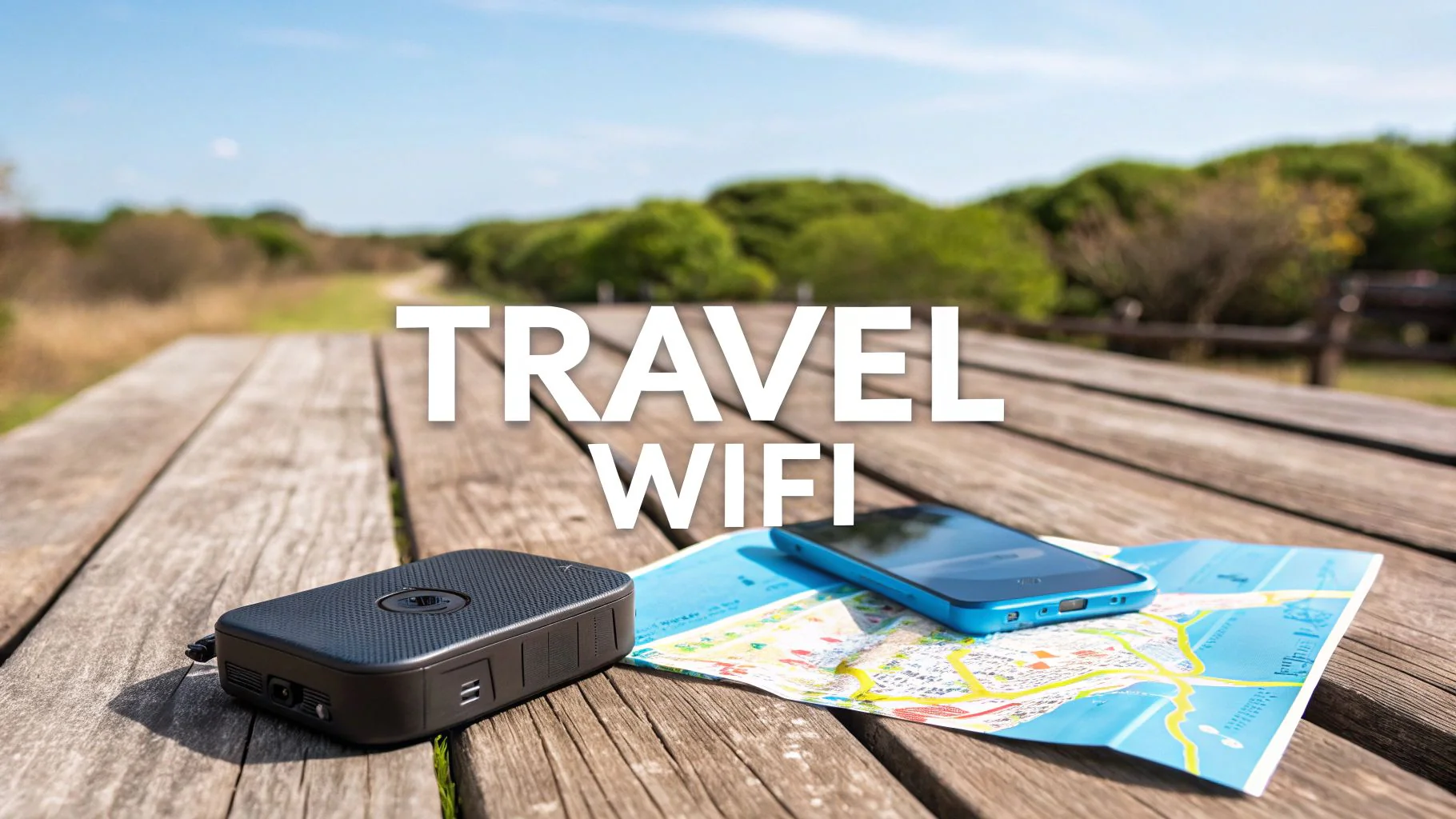
Swapping SIMs in a jet‑lagged blur is one of those travel hassles nobody misses. You step off the plane, line up at a kiosk, puzzle over unfamiliar plans, then juggle paper receipts and a pin tool while trying not to drop a thumbnail‑sized card on the floor. If your main SIM gets misplaced, two‑factor codes, banking alerts, and calls back home all become a problem.
A handheld hotspot eliminates SIM swapping. It connects to local networks using virtual profiles, keeping your phone’s SIM in place. Simply power it on, and your devices join its private signal, while your usual number still receives calls and texts. It makes getting online as easy as tapping a button, with no hassle.
Traditional roaming sounds convenient: keep your number, do nothing, pay later. The painful part is that “pay later” moment. Daily passes stack up on longer trips, per‑megabyte charges punish map use and photo sharing, and it is easy to underestimate background data from cloud backups or auto‑updates. Families can multiply the damage quickly if everyone flips roaming on.
A travel hotspot usually offers clearer options: trip‑based, day‑based or data‑based plans you pick in advance. You see the cap or the “fair use” threshold before you leave, and many devices show real‑time usage in a simple app. If you are burning through your allowance faster than expected—maybe a few too many HD videos—you can switch down your streaming quality or top up on your own terms. Instead of discovering a surprise bill at home, you make conscious choices on the road.
Public networks still feel like a free win: no extra bill, just a password on a chalkboard. In practice they are often slow, flaky, and full of friction—captive portals, forced ads, and time limits. Security is the bigger issue. Fake hotspots can mimic hotel or coffee shop names, and unencrypted traffic is easy to snoop on. Logging into mail, cloud drives, or financial apps over those connections is a gamble.
A personal hotspot behaves more like your router at home. You set the password, encryption is turned on by default, and your devices stop randomly hopping between whatever free signal looks strongest. Instead of asking every barista for credentials, you open your own network wherever you sit: train seat, park bench, or the least noisy corner of a station. For remote workers who need reliable video calls, or anyone handling sensitive accounts, that private bubble is worth more than “free” WiFi with strings attached.
Inside that little plastic shell is a cellular modem, a couple of antennas, and a tiny router. On one side, it latches onto the same kind of signal your phone uses; on the other, it broadcasts your own mini network under a name you recognize. Some units can also plug into a hotel Ethernet jack or latch onto a single hotel login, then share that as if it were your home network. To the hotel, you look like one device; in your room, everything from your tablet to your streaming stick is online.
The magic phrase is “one connection in, many out.” Whether the incoming pipe is 4G, 5G, or a wired port, the hotspot cleans it up, encrypts the traffic, and redistributes it so several people—or a pile of personal gadgets—can use it at once. Modern models support newer Wi‑Fi standards that handle multiple streams more gracefully, keeping one person’s video call from wrecking everyone else’s browsing.
Paper specs can be misleading. A device advertised to last “up to a full day” may only apply to light use. Add more devices and a weak signal, and battery life drops quickly. Match battery claims to your longest unplugged period and typical usage.
If you're out all day without access to outlets, choose a hotspot with all-day battery life or pair it with a power bank. For city-based travel, shorter battery life is fine if it offers higher speeds. Models that charge via USB-C are more convenient, as they can share chargers with your phone or laptop.
Here is a simple way to think about which style fits you best:
| Traveler type | What matters most | Hotspot priority trade‑offs |
|---|---|---|
| Weekend city explorer | Quick start‑up, light web use, small bag | Choose compact size and simple plans over top‑tier speed |
| Long‑term backpacker | Predictable monthly spend, flexible coverage | Favor wide network support and manageable data bundles |
| Remote worker on the road | Stable calls, multiple devices, long sessions | Pay extra for stronger radios, better Wi‑Fi, and clear usage tools |
Search results full of “near me” offers and shouting banners can be confusing. Many services advertise “unlimited” only to slow your connection sharply after a certain threshold. Others look cheap per day but hide extra fees for shipping, late return, or minor cosmetic damage. Without reading the conditions, it is easy to assume you have a bargain and then feel burned.
A healthier mindset is to start from your behavior. Estimate your daily minimum: maps and messages use little; multiple hours of HD video, cloud photo uploads, and remote work calls eat a lot. Multiply that by trip length, add a buffer, then hunt for plans that meet that number without harsh slowdowns. If a deal sounds too generous without explanation, expect fine print. Renting can be great for one‑off vacations; frequent travelers often do better buying a device and using regional or global data products over time.
Families and small groups rarely need separate plans for everyone. Many hotspots support around ten devices, some far more. If a single unit covers the whole party, the cost per person drops dramatically compared with each person turning on roaming individually. Light users can message and check maps while heavier users take turns on streaming or calls when the connection is busiest.
The catch: more devices means more data burned. That “just one more episode” habit hits the group allowance, not just your own. Talking about expectations before the trip—like keeping video quality modest on mobile or scheduling big downloads for lodgings with solid WiFi—keeps both costs and arguments down. A small set of ground rules turns the little box from a source of tension into shared infrastructure.
No hotspot can create a signal in remote areas. If coverage disappears, have backups like offline maps, reservation screenshots, and key phrases saved. The device helps with planning and updates, not replacing basic preparation.
Trips become fragile when everything depends on one gadget: directions, translations, tickets, and contact with home. If it dies, gets wet, or is misplaced, your whole day should not collapse. Spreading risk—downloading boarding passes, saving hotel details, carrying minimal paper backups—turns a hotspot outage into an inconvenience, not a crisis.
Constant connectivity can quietly reshape a trip. When maps, reviews, and messaging are always available, it is tempting to re‑plan every hour, doom‑scroll in lines, and judge every corner café by star ratings instead of smell and feel. The result can be more stress, not less, even while carrying powerful tools.
A healthier approach is to control when you're online. Use the hotspot in the morning for work, stay mostly offline in the afternoon, and save it for backups in the evening. This way, it keeps you prepared without taking away the joy of exploring.
A small hotspot won't guarantee a perfect trip, but it removes common hassles like SIM swaps, surprise bills, unreliable WiFi, and battery struggles. When chosen wisely, it blends into the background, letting the journey take center stage.
How do I choose the right Pocket WiFi for travel instead of just relying on my phone’s roaming?
Compare daily cost, data limits, number of devices supported, battery life, and coverage in your destinations; then check if a local eSIM or data-only SIM is actually cheaper than a dedicated Pocket WiFi rental.
What’s the catch with “cheap portable WiFi for travel” deals I see online?
Very low prices often mean strict fair-use limits, speed throttling after a small data amount, hidden fees for late returns, or poor coverage; always read the acceptable use policy and data cap details carefully.
Is “unlimited travel WiFi” really unlimited when I’m streaming and working remotely?
Most “unlimited” plans have high-speed data caps and then throttle speeds; for video calls and streaming, look for a plan that clearly states its full-speed data allowance and whether hotspot use is restricted.
What’s the advantage of a global travel WiFi device versus buying local SIM cards in each country?
A global device avoids language barriers, repeated SIM purchases, and constant reconfiguration, which is ideal for multi-country trips or business travel, though it may cost slightly more than local SIMs in one country.
How can I find the best travel WiFi near me before an international trip from the U.S.?
Search for local electronics stores and airport kiosks that rent portable WiFi devices, compare their online reviews and coverage maps, and check if they offer advance reservation and mail delivery to your home.