
x
The moment something fails—your phone goes dark, your account locks itself, or a crucial accessory dies—you suddenly discover what your coverage and subscriptions are really worth. Hidden in Apple’s fine print are choices that can quietly cut costs while keeping your devices, and data, protected.
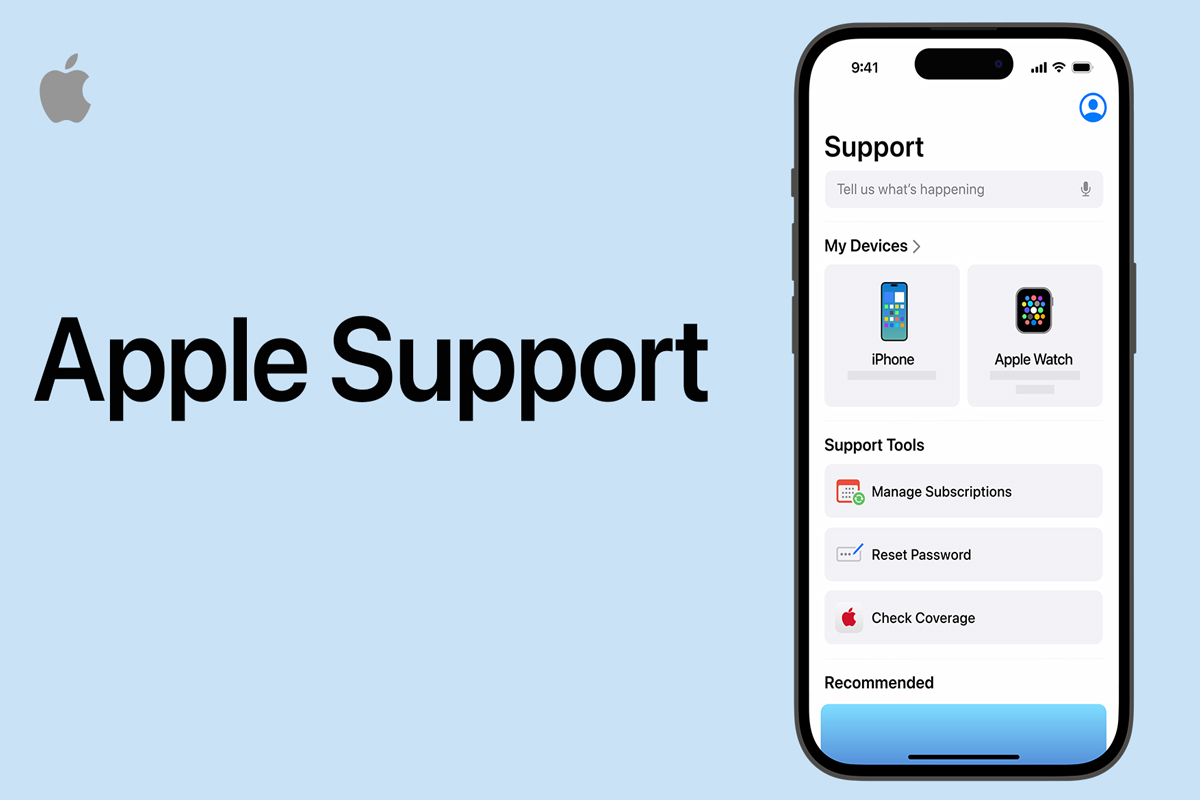
Most people think of support as “someone to call when things break,” then run straight to a mall kiosk or online repair ad. In practice, the cheapest move is often the opposite: start with the official chat or call, and spend money only after a proper check.
Remote agents can walk through symptoms, run built‑in diagnostics, and spot issues that look like hardware but aren’t: bad cables, buggy apps, odd settings, or conflicts between accessories and software. That can turn a scary “my phone is dying” moment into a five‑minute fix.
Being specific helps a lot: what you were doing right before the issue, how often it happens, which apps are open, whether it’s worse on cellular or Wi‑Fi. Clear detail lets agents rule out expensive repairs early and suggest cheaper options you might not know exist.
Coverage is rarely as black‑and‑white as “in or out of date.” Agents look at purchase date, serial diagnostics, error logs, and the type of failure. In some borderline cases they can request more flexible handling—maybe reduced fees or a one‑time exception. There is no promise, but you only get that chance if you ask.
Official diagnostics can also keep you from paying for unnecessary work. Third‑party shops sometimes jump straight to board swaps or major part replacements. An official test might find a single failing module instead of a full assembly, cutting the bill sharply. Even if you still choose an independent shop afterward, you walk in with better information and lower risk of over‑repair.
When a sign‑in locks, many people panic, give up, and create a new account. That usually means losing paid apps, subscriptions, storage, and activation links to existing devices. Support can walk through identity checks to reopen the original account so past spending keeps its value.
Verification might use text codes, trusted devices, or security questions. If you still have another signed‑in gadget, that can become the fastest path to reset. Without one, agents can still guide you through web‑based recovery, though it tends to be slower and requires more patience and detail about past contact info.
Not every stuck screen is the same problem. A passcode failure is different from a cloud‑based lock that ties a device to a specific owner. When you call or chat, describe exactly what you see: is it asking for a simple numeric code, an account password, or a message mentioning lost mode or activation?
That difference decides whether the focus is on erasing the device, proving ownership, or restoring access to the sign‑in itself. Being precise here speeds everything up and avoids you being bounced between account specialists and hardware agents while the clock and your frustration both climb.
Using second‑hand devices or used parts can save money but carries a hidden trap: a component can still be tied to someone else’s account. After repair, the phone or watch boots into an activation screen demanding another person’s credentials. If that person won’t cooperate, you might own nice hardware you can’t actually use.
Before buying used gear or low‑cost repairs, insist on proof that the device and parts are fully unlinked from any previous account. Keep receipts and work orders. If trouble appears later, support may be able to help only if you can show a clean chain of ownership.
| Situation you see on screen | Risky reaction that wastes money | Smarter first move with support |
|---|---|---|
| Phone black or stuck on logo | Pay immediately for third‑party board swap | Try guided restart, recovery, and cable checks first |
| Account locked after wrong password attempts | Create new account, lose old purchases | Use recovery tools and identity checks to reopen the original |
| Used device asks for unknown account at activation | Assume it’s a simple bug and keep trying | Stop, contact seller and support, verify ownership before paying more |
In each case, spending five to ten minutes with official tools can prevent you from paying for parts, accounts or even whole devices you do not actually need.
Extended coverage is often marketed as peace of mind, but it works more like a pre‑paid repair budget. You trade a predictable monthly or up‑front cost for lower bills later when something breaks. Typically it combines longer hardware coverage, discounted accidental damage repairs, and battery service once health drops below a certain point.
What surprises many people is that accidental damage repairs usually still carry a per‑incident service fee. The big savings appear on expensive issues like major display damage, advanced camera failures, or logic‑board‑level faults. For minor annoyances, you might not reach the point where the plan “earns back” what you paid.
Whether to pay for coverage or handle issues à la carte depends on how you use your gear. A careful adult who keeps everything in a case, upgrades often, and rarely drops devices may be better off paying for the occasional repair. Someone who shares phones with kids, travels a lot, or works around concrete, water or dust is in a very different risk category.
Think through three failure types: shattered displays, aging batteries, and deeper hardware faults like cameras or boards. Estimate how long you plan to keep the device. If one serious incident during that time would hurt your budget, a plan plus modest service fees can be a relief. If you would shrug and say “guess it’s time to upgrade,” paying up front for years of coverage might not fit how you actually live.
Subscription bundles try to roll cloud storage, media, sometimes gaming, and occasionally extra protection into a single line on your bank statement. The promise is simplicity and a lower combined price than buying each thing separately. The trap is paying month after month for features you hardly touch.
A quick audit helps: list what you truly use—storage, streaming, news, extra device protection—and what you never open. If a bundle mostly duplicates things you already have or includes services you ignore, individual options can be cheaper and clearer. If you and family members lean heavily on several features, the bundle can be a sensible consolidation.
| Option type | Best fit user | Main upside | Main trade‑off |
|---|---|---|---|
| Pay‑as‑you‑go repairs | Careful users, short upgrade cycles | No recurring charges | Large surprise bills if something big fails |
| Extended hardware coverage | Long‑term owners, rough environments | Smoother, often lower repair costs | Ongoing fees, per‑incident charges still apply |
| Big feature bundles | Households using many services daily | Simpler billing, shared features | Easy to overpay for underused extras |
Using this kind of mental checklist keeps you focused on how you really use devices instead of how plans are advertised.
A little preparation turns every call or chat into a mini free consultation rather than a random complaint. Before you reach out, gather your device’s basic details, note when problems started, and snap photos or short clips of glitches if possible. That evidence shortens the back‑and‑forth and can steer agents toward cheaper fixes.
Backups matter as much as any warranty. Automatic cloud backups or regular computer backups change the options you have when a phone seems dead or a tablet won’t boot. With a safe copy of your data, you can accept more aggressive repair steps without fearing permanent loss, which often avoids pricey third‑party data‑recovery services.
Support teams often have more than one solution: a faster but pricier route, a slower but cheaper one, or a path that protects data above all else. If you clearly state your top priority—lowest total cost, minimal downtime, or maximum chance of keeping data—agents can match options to your real needs.
For example, a screen issue might be fixable through a same‑day swap with a higher fee, a mail‑in repair at a lower cost, or a workaround that lets you delay service until you can better afford it. Explicitly saying “I care most about out‑of‑pocket cost” or “I can’t be without this phone for more than a day” gives them permission to tailor suggestions instead of guessing.
How might the AppleCare+ price in 2026 compare to today, and what factors could affect it?
AppleCare+ pricing in 2026 will likely reflect inflation, higher parts costs, and expanded coverage (like more theft/loss options). New hardware features and regional labor costs may also drive tiered pricing by device model and storage.
When should I go to Apple Support for iPhone repair instead of using a third‑party shop?
Use Apple Support if your iPhone is under warranty or AppleCare+, if you need guaranteed genuine parts, official diagnostics, or support for water/logic‑board damage, or if you want to preserve eligibility for future trade‑in.
What are practical first steps to fix an iPhone that’s not turning on before booking a repair?
Charge with a known‑good cable and adapter for at least 30 minutes, try a forced restart, check for physical or liquid damage, then attempt recovery via computer. If still dead, schedule Apple Support hardware diagnostics.