x
Wondering how Robux gift cards work in Australia and which offers are actually safe to use? This guide explains buying through official channels, redeeming cards in Australian dollars, tracking Roblox Gift Card Credit, and checking Robux deals so you can avoid scams.
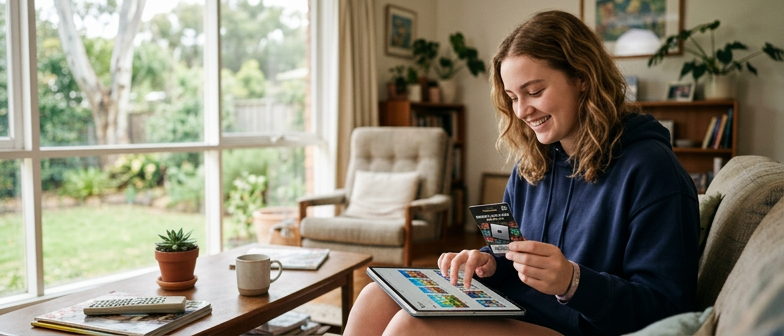
A video showing an enormous Robux balance is not enough to verify a purchase offer. Before following a link or paying for a code, check the actual purchase route and what you will receive. You do not need to decide whether a particular creator is faking a screen to make a more careful buying decision.
For shoppers in Australia, Roblox lists official online gift-card availability and publishes Australian gift-card terms. Those sources are a better starting point than a balance shown in a short video. Official gift-card availability.
Roblox lists supported ways to purchase Robux through its website and apps. Open the official service yourself rather than treating a link in a comment as proof that an offer is legitimate. Check the account, amount and currency displayed before confirming any purchase. Roblox’s official purchase options.
Choose a spending limit before comparing options. If the purchase is for a child, make the decision together with their parent or guardian; do not use the size of somebody else’s balance as a target.
A gift card’s money value and the number of Robux are different things. The Australian terms describe gift cards and account credits denominated in Australian dollars, and explain that Robux availability and pricing can change. Check the current product and checkout rather than assuming a fixed conversion from a card value to Robux. Australian gift-card and credit terms.
The redemption guide also identifies exceptions: Amazon gift cards and Party Packs gift cards redeem for Robux rather than Roblox Credit. Read the description of the specific product you are considering. Official redemption guide.
| Check | What to confirm |
|---|---|
| Seller | Official channel or authorised retailer |
| Product | Roblox Credit, Robux or another clearly described item |
| Price | Currency and total shown at checkout |
| Account | The intended account is signed in |
| Redemption | Official instructions for this card or code |
| Extra claims | Whether the exact product has documented conditions |
Do not copy a creator’s claimed balance into this comparison. It does not establish the product, seller or purchase conditions available to you.
Roblox states that there is no Robux generator. Its safety guidance warns against suspicious offsite links and sharing passwords or sensitive information with other users. A promise to multiply a balance is not a substitute for an official purchase. Roblox guidance on generator scams.
Do not send your password or a gift-card code to a stranger offering to “activate” a deal. Use Roblox’s official redemption instructions and keep your receipt. If the code does not work, follow the support route in those instructions; share supporting details only through the verified support channel.
Ask yourself whether you can identify the seller, explain what you are buying and see the total in the correct currency. If one of those answers is missing, pause the purchase and check it. The useful comparison is between documented options within your budget, not between dramatic numbers in social videos.